
Icon Map Pro documentation
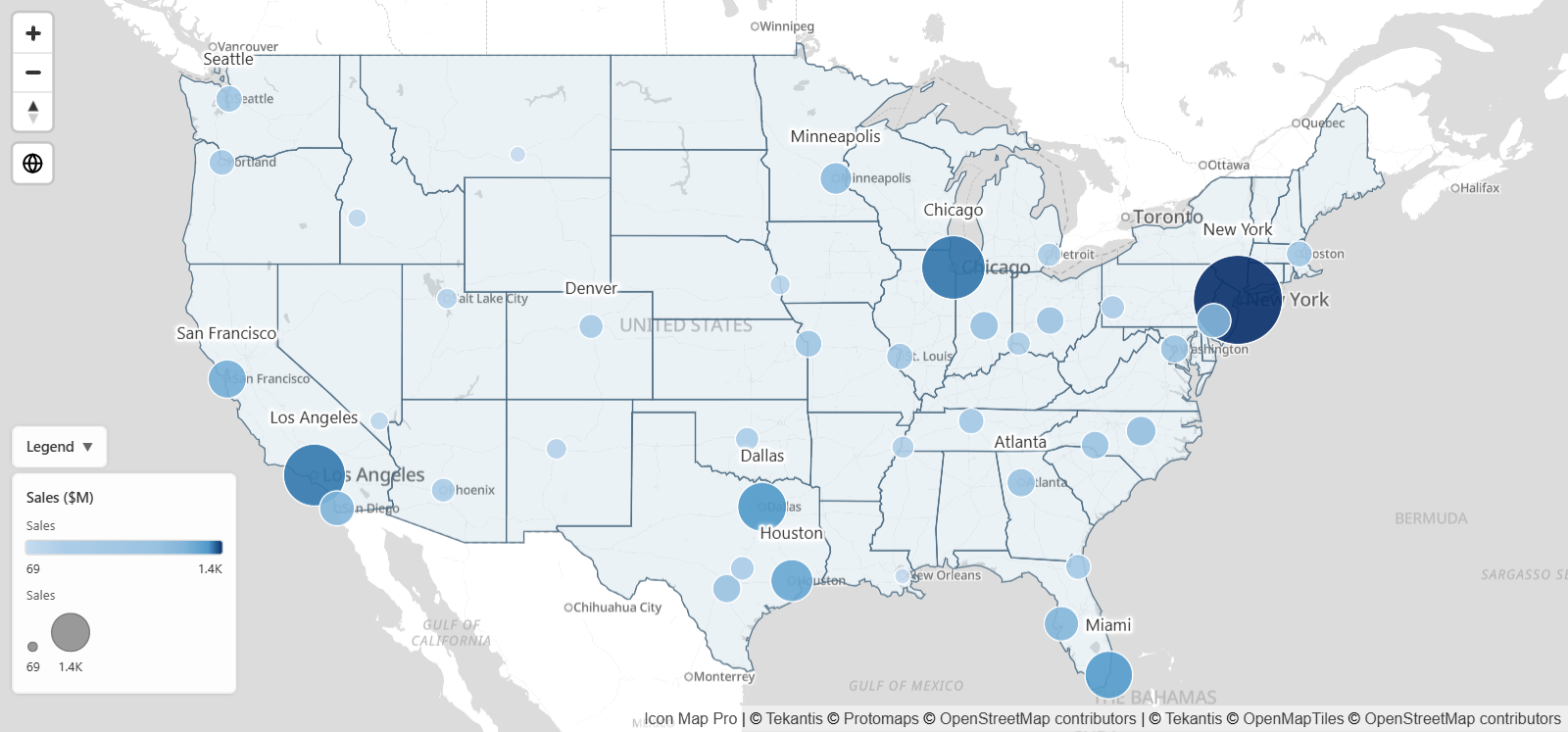
Icon Map Pro is a map visual for Power BI. It draws your report data as circles, images, heatmaps, cells, 3D columns, lines and shapes, over a basemap of your choice, with reference layers for context. These pages show you how to build a map and explain every setting.
Start here
Icon Map Pro has two map engines, Modern and Legacy. New maps use Modern, and these pages describe Modern only. If your map uses the Legacy engine, or you use version 1.1.0.9 or earlier, see the documentation for 1.1.0.9 and earlier. To find out which engine a map uses, see Modern and Legacy engines.
The Layer Manager
New in 1.1.0.11
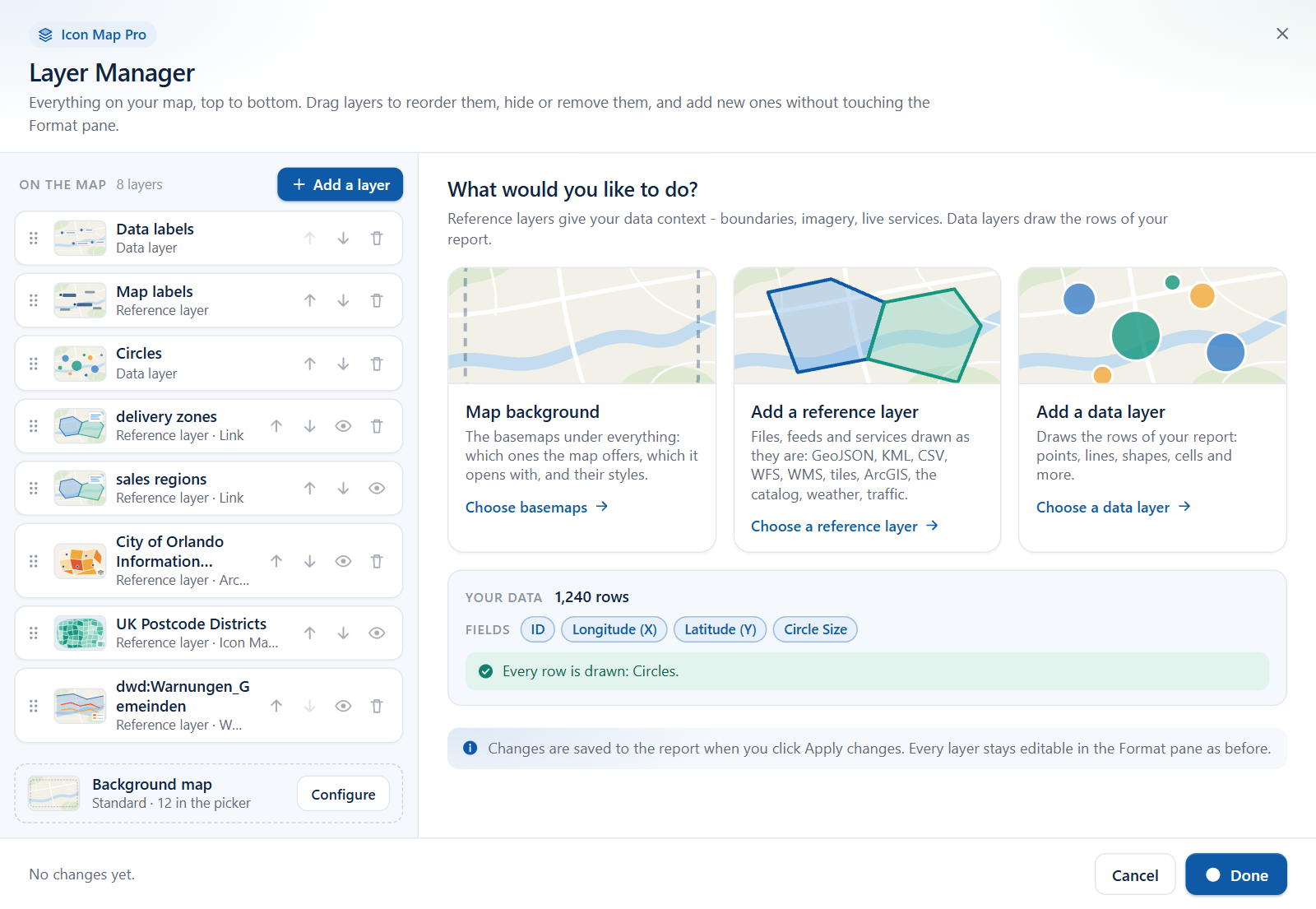
The Layer Manager is a dialog that shows everything on your map in drawing order. Use it to add data layers and reference layers step by step, restyle them, drag them into a new order, hide them or remove them. It also tells you how many of your rows each layer draws, and why a layer draws nothing. Every setting it writes is also in the Format pane, so you can move between the two at any time.
Browse by topic
Versions and languages
Use the version menu at the top of any page to match the documentation to the version of Icon Map Pro in your report. The version number is shown on the page you see when the visual has no fields, and in Format pane > Icon Map Pro once it has data. What's new lists the main changes in each version.
Icon Map Pro is available in English, German, Spanish, French and Portuguese. See Languages.